How to Reinstall Microsoft Store on Windows 11
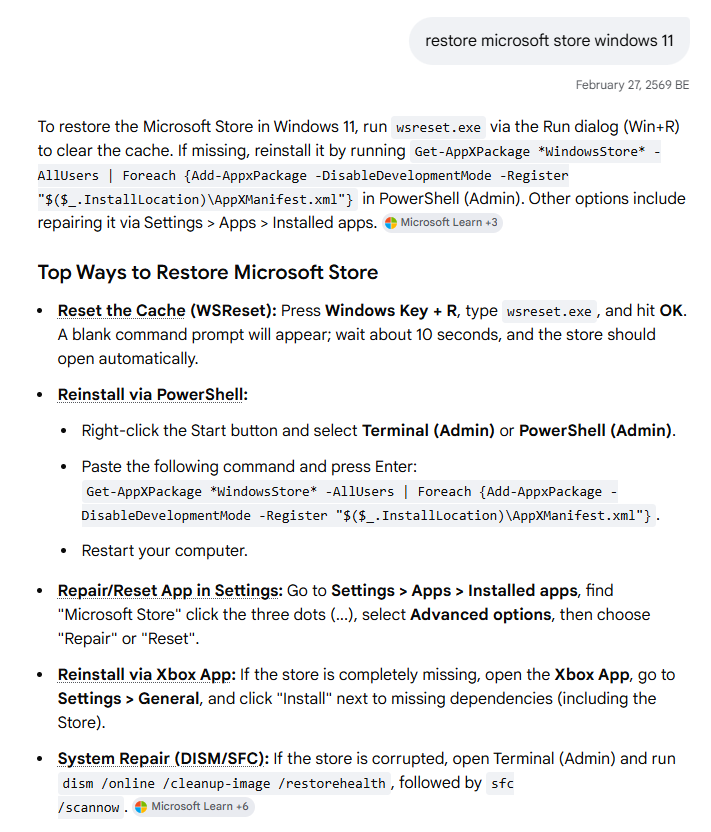
To restore the Microsoft Store in Windows 11, run wsreset.exe via the Run dialog (Win+R) to clear the cache. If missing, reinstall it by running Get-AppXPackage WindowsStore -AllUsers | Foreach {Add-AppxPackage -DisableDevelopmentMode -Register “$($_.InstallLocation)\AppXManifest.xml”} in PowerShell (Admin). Other options include repairing it via Settings > Apps > Installed apps.
Related
Windows
Windows